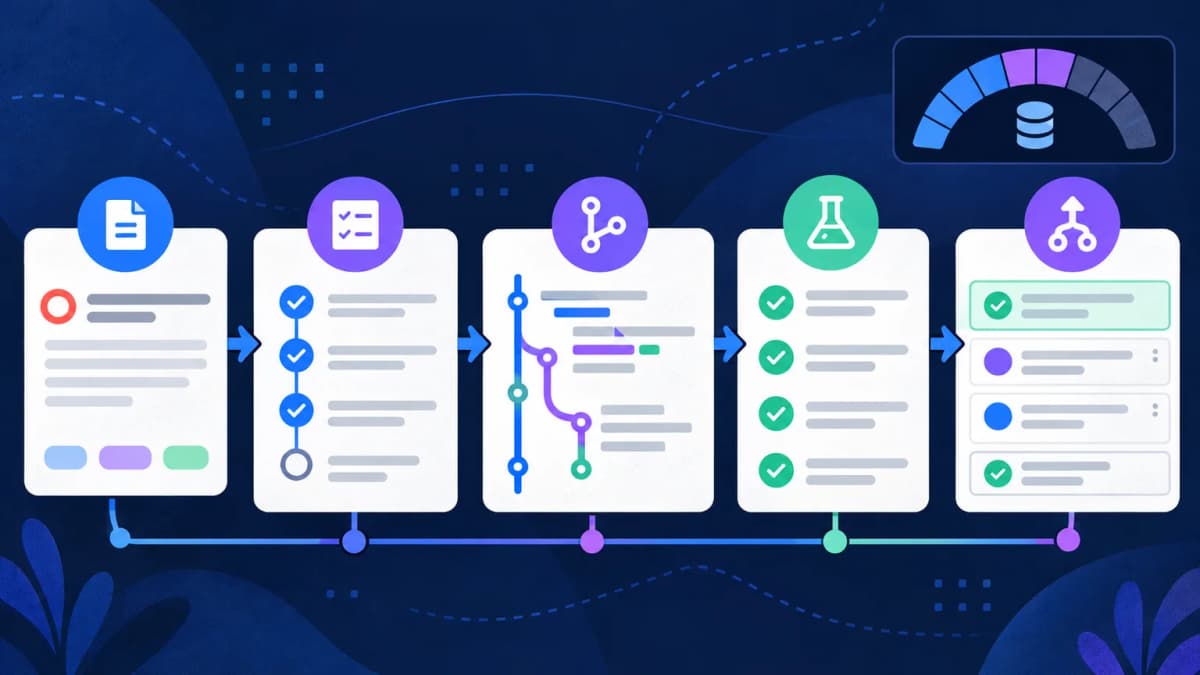
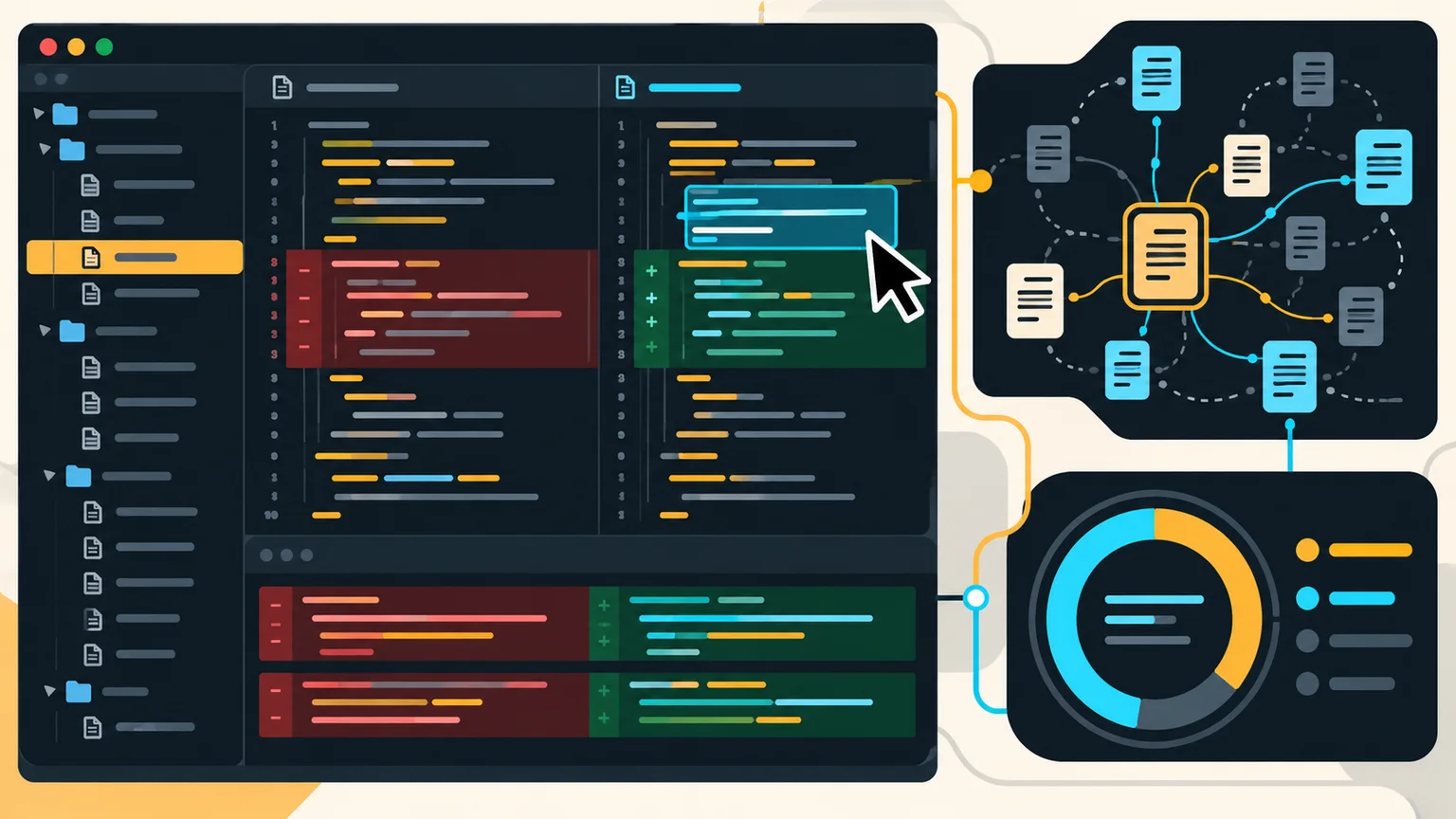
GitHub Copilot is now a family of coding assistants and agents rather than only an autocomplete tool. It can suggest code, answer questions, plan multi-step changes, edit files, run commands in an IDE, and complete delegated work in a cloud environment. The best plan depends on how often you use agents and premium models, because GitHub measures advanced usage with AI credits.
This guide was checked against GitHub's official documentation on October 21, 2026. Prices, models, and allowances can change, so use the linked GitHub pages as the final source before purchasing.
GitHub Copilot plans and prices
| Plan | Current list price | Included AI credits | Best for |
|---|
| Copilot Free | $0 | Limited allowance | Trying completions, chat, and limited agents |
| Copilot Pro | $10/month | 1,000/month | Individual developers with regular usage |
| Copilot Pro+ | $39/month | 3,900/month | Individuals using premium models and agents frequently |
| Copilot Max | $100/month | 10,000/month | Sustained, high-volume individual use |
| Copilot Business | $19/user/month | 1,900 per user/month | Organizations needing policy and seat controls |
| Copilot Enterprise | $39/user/month | 3,900 per user/month | GitHub Enterprise Cloud organizations |
GitHub states that one AI credit equals $0.01. Paid-plan allowances cover eligible advanced use; additional usage depends on account budgets and billing settings. Code completions and next-edit suggestions remain unlimited on paid organizational plans according to GitHub's billing documentation. Review the official Copilot plans comparison and Copilot billing guide.
How Copilot token usage becomes AI credits
A token is a small unit of text or code processed by a language model. An agent task can send your prompt, repository instructions, selected files, tool definitions, earlier conversation, and tool results to a model. It can then generate reasoning, code, explanations, and commands. A single visible prompt may therefore cause several model calls.
GitHub abstracts those model-specific token costs into AI credits. The number of credits can vary with the selected model and the tokens processed. A cloud coding-agent session can also consume GitHub Actions minutes because the agent works in an Actions-powered environment. This means “one task” is not a fixed billing unit: a broad repository migration usually consumes more than a focused one-file fix.
A practical usage estimate
Do not estimate Copilot cost by counting words in your prompt alone. Track the model, number of agent turns, repository context, command output, and retries. Compare two versions of the same task: one vague prompt and one prompt that names the relevant folder, expected behavior, and validation command. The second usually needs less discovery and fewer corrective turns.
Copilot agent mode versus cloud agent
- Agent mode in an IDE: works interactively with you, can edit project files, and can run commands. You can interrupt, clarify, and review changes as the task progresses.
- Plan mode: investigates and proposes an implementation plan before editing, useful for larger or unfamiliar changes.
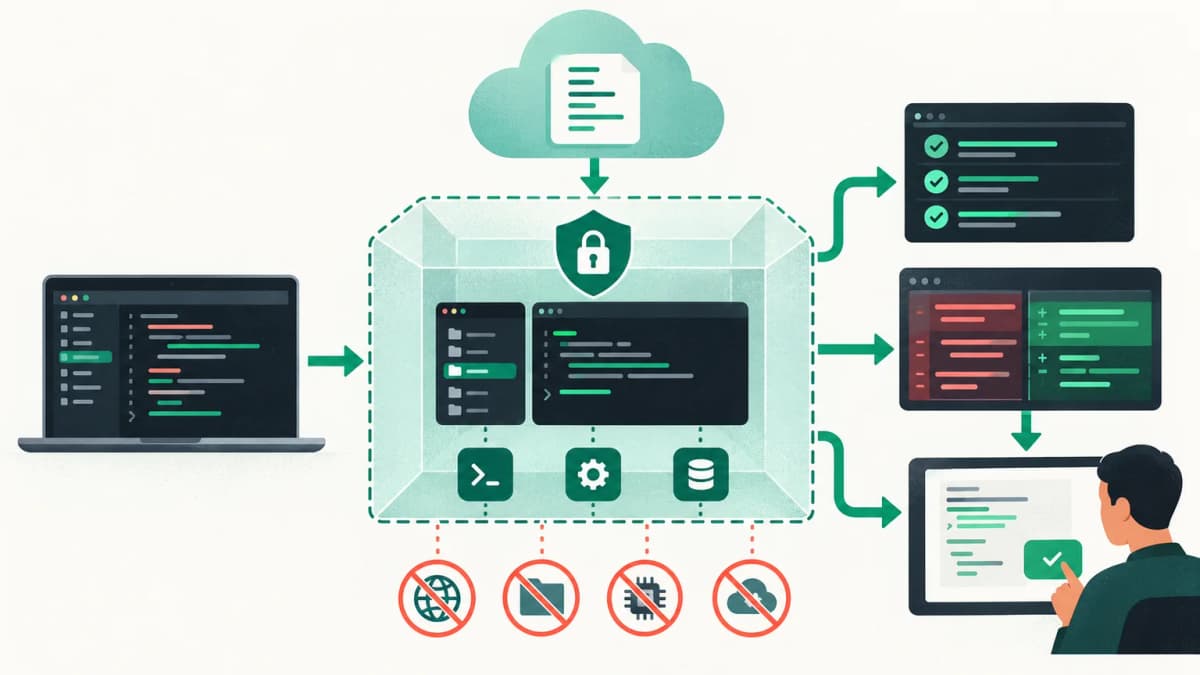
- Copilot cloud agent: handles delegated work asynchronously and produces a pull request for review.
- Custom agents: use agent profile files to encode a role, tools, instructions, and repository conventions.
GitHub's current agent documentation explains interactive, plan, subagent, custom-agent, and cloud workflows. Choose interactive mode while requirements are changing. Delegate a cloud task when the acceptance criteria and repository checks are already clear.
How to set up a Copilot task that is easy to review
- Start from a clean branch and make sure the existing tests pass.
- Name the behavior to change and the behavior to preserve.
- Point to the likely directory without forcing an implementation.
- Give the exact formatter, type-check, and focused test commands.
- Ask the agent to report changed files, validation results, and remaining uncertainty.
- Read the diff and rerun critical checks yourself before merging.
Inspect the checkout flow and find why double-clicking Submit creates two requests. Preserve the public API and existing validation messages. Before editing, list the relevant files and likely cause. Implement the smallest fix, run the checkout tests and type checker, then report the evidence.