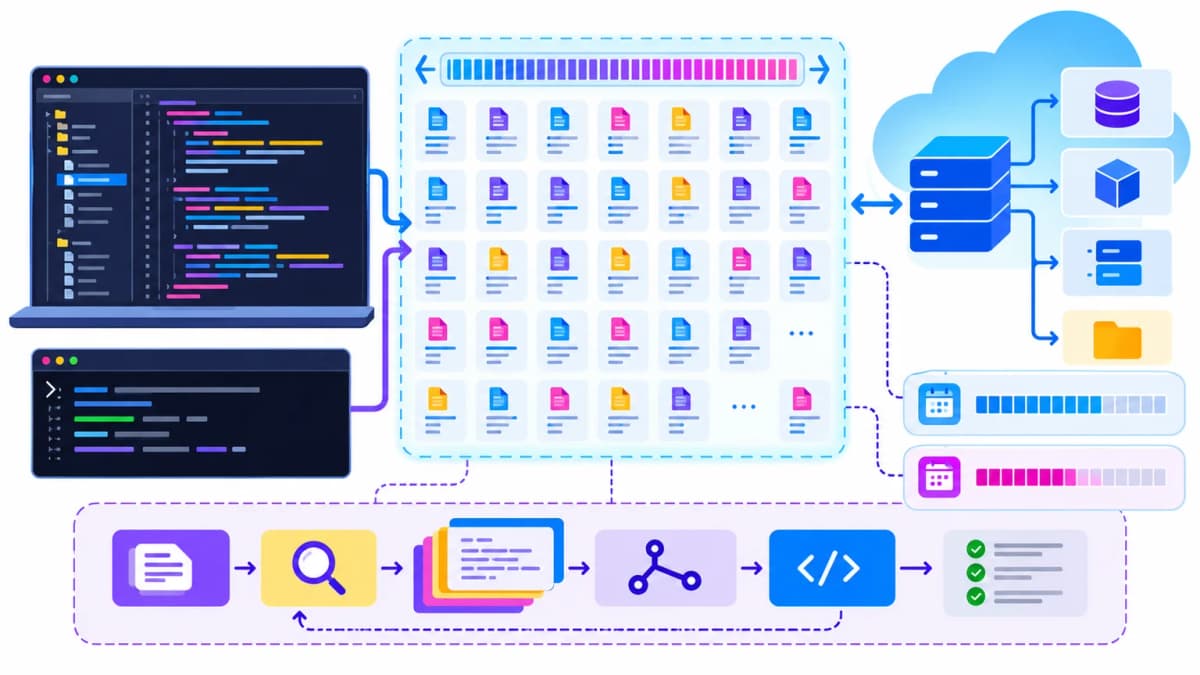
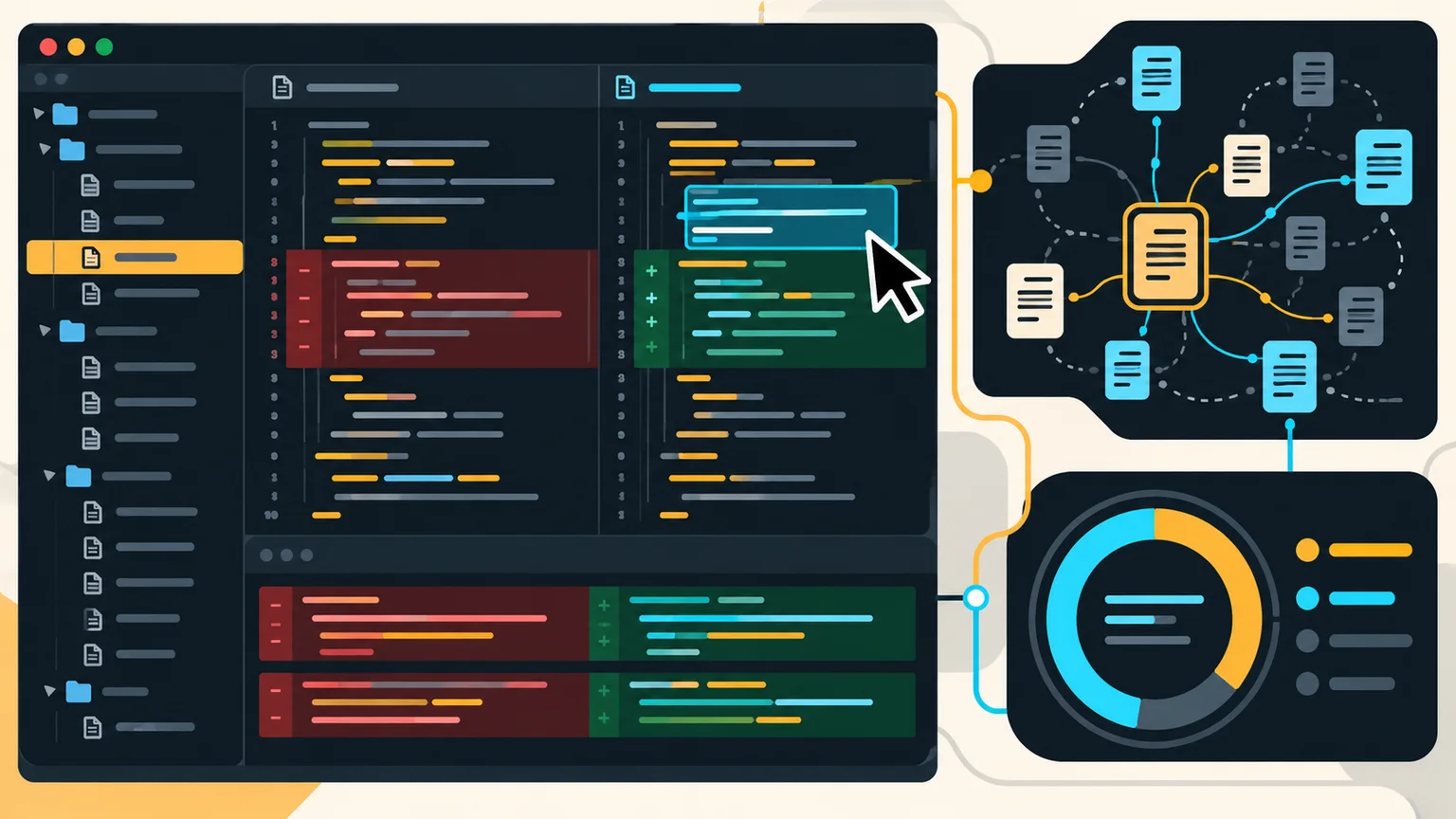
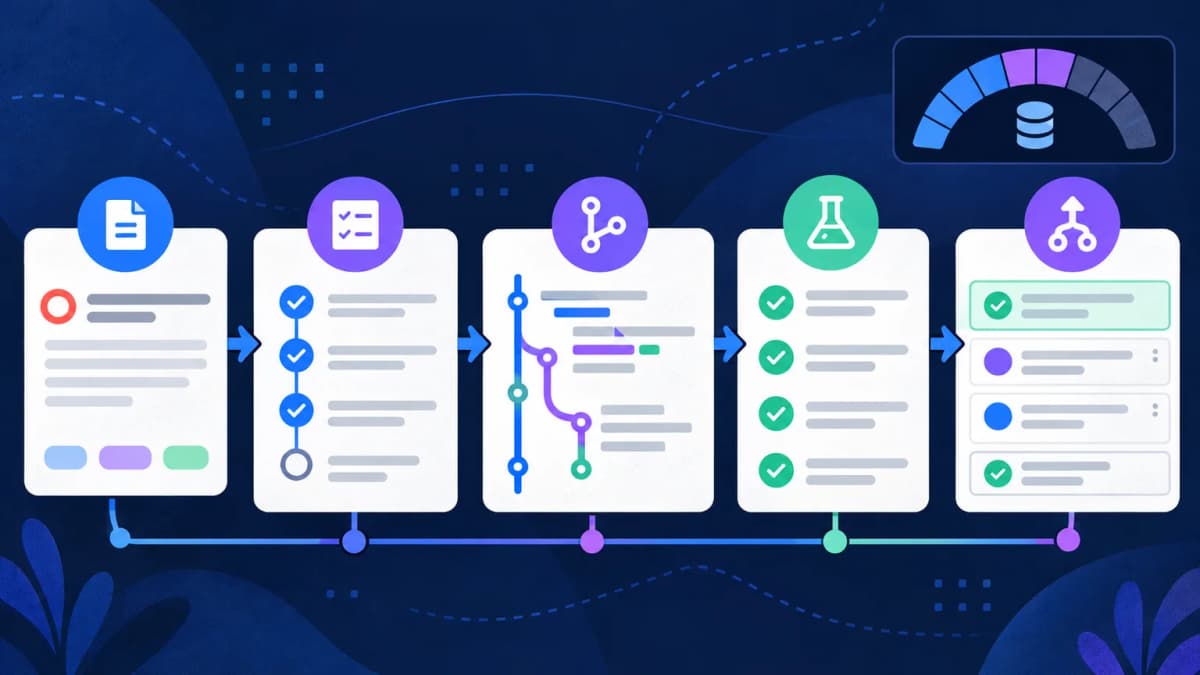
Gemini Code Assist is Google's enterprise coding assistant for supported IDEs and Google Cloud workflows. It provides code completion, generation, chat, local-codebase awareness, transformations, agent mode, and Gemini CLI access. Enterprise adds private-code customization and deeper Google Cloud integrations.
This guide was verified against Google Cloud documentation on October 21, 2026. Google has changed consumer access and product packaging, so read the current setup page before relying on an older tutorial.
Important availability change
Google's current documentation says Gemini Code Assist IDE extensions and Gemini CLI stopped serving the individual, Google AI Pro, and Google AI Ultra tiers on June 18, 2026, with affected users directed to Antigravity. Standard and Enterprise documentation remains available for organizations, while the setup page says new Gemini Code Assist subscriptions are no longer available for purchase. Existing customers should confirm their contract and migration path with Google Cloud.
These are significant changes. A page that still advertises the old individual tier as the current default can mislead readers. See Google's current Code Assist overview and setup documentation.
Gemini Code Assist pricing
| Edition | Monthly commitment rate | 12-month commitment rate | Main difference |
|---|
| Standard | $0.031232877/hour | $0.026027397/hour | IDE coding assistance, agent mode, CLI, and enterprise controls |
| Enterprise | $0.073972603/hour | $0.061643836/hour | Code customization and additional Google Cloud integrations |
Google presents license fees as hourly rates while subscriptions are billed monthly. Using roughly 730 hours in an average month, the displayed rates are approximately $22.80 or $19 per Standard license and $54 or $45 per Enterprise license, depending on commitment. Taxes, currency conversion, contracts, and current availability can change the amount. Use the official Gemini for Google Cloud pricing page as the final source.
Gemini Code Assist quotas and context
| Quota | Documented limit |
|---|
| Requests per second | 2 per user in a project |
| Code generation and completion requests | 6,000 per user per day |
| Chat and other assistant-panel requests | 960 per user per day |
| Local codebase awareness context | 1,000,000 tokens |
| Agent mode plus Gemini CLI, Standard | 1,500 requests per user per day |
| Agent mode plus Gemini CLI, Enterprise | 2,000 requests per user per day |
One agent prompt can trigger multiple model requests, so 1,500 requests does not necessarily mean 1,500 user prompts. Daily limits are aggregated across model versions used in agent mode and Gemini CLI. Google also notes that quota availability can be affected by demand. Read the live quota and limits page.
What does a one-million-token context window mean?
The context window is the maximum amount of code and conversation the model can consider in a request. It is not a daily allocation and does not mean every request reads one million tokens. Repository selection, indexing, attached files, conversation history, and agent tools determine the actual context used.
A million tokens can help with a large codebase, but irrelevant generated files, dependency folders, build output, and logs can dilute useful context. Exclude noise and point the assistant to the relevant package or service before requesting a broad change.
How Gemini Code Assist uses requests and tokens
Code Assist subscriptions are primarily described through licenses and request quotas rather than a simple per-token IDE invoice. If you provide a Gemini API or Vertex AI API key after an agent quota is exhausted, the separate API's token prices and limits apply. Keep those billing paths distinct when estimating cost.
- Inline completion may use a code-request quota.
- Chat and assistant-panel work uses the relevant chat quota.
- One agent instruction can cause several internal requests.
- API-key fallback is billed and limited under that API account.
- Large context helps understanding but may increase token processing under API billing.
Standard versus Enterprise
Both editions document IDE completion, generation, chat, local-codebase awareness, transformations, agent mode, CLI access, security features, and several Google Cloud integrations. Enterprise adds code customization from private repositories and broader assistance across services such as Apigee, Application Integration, and Cloud Assist. Choose based on governance and integration needs rather than assuming Enterprise automatically produces better code for every task.