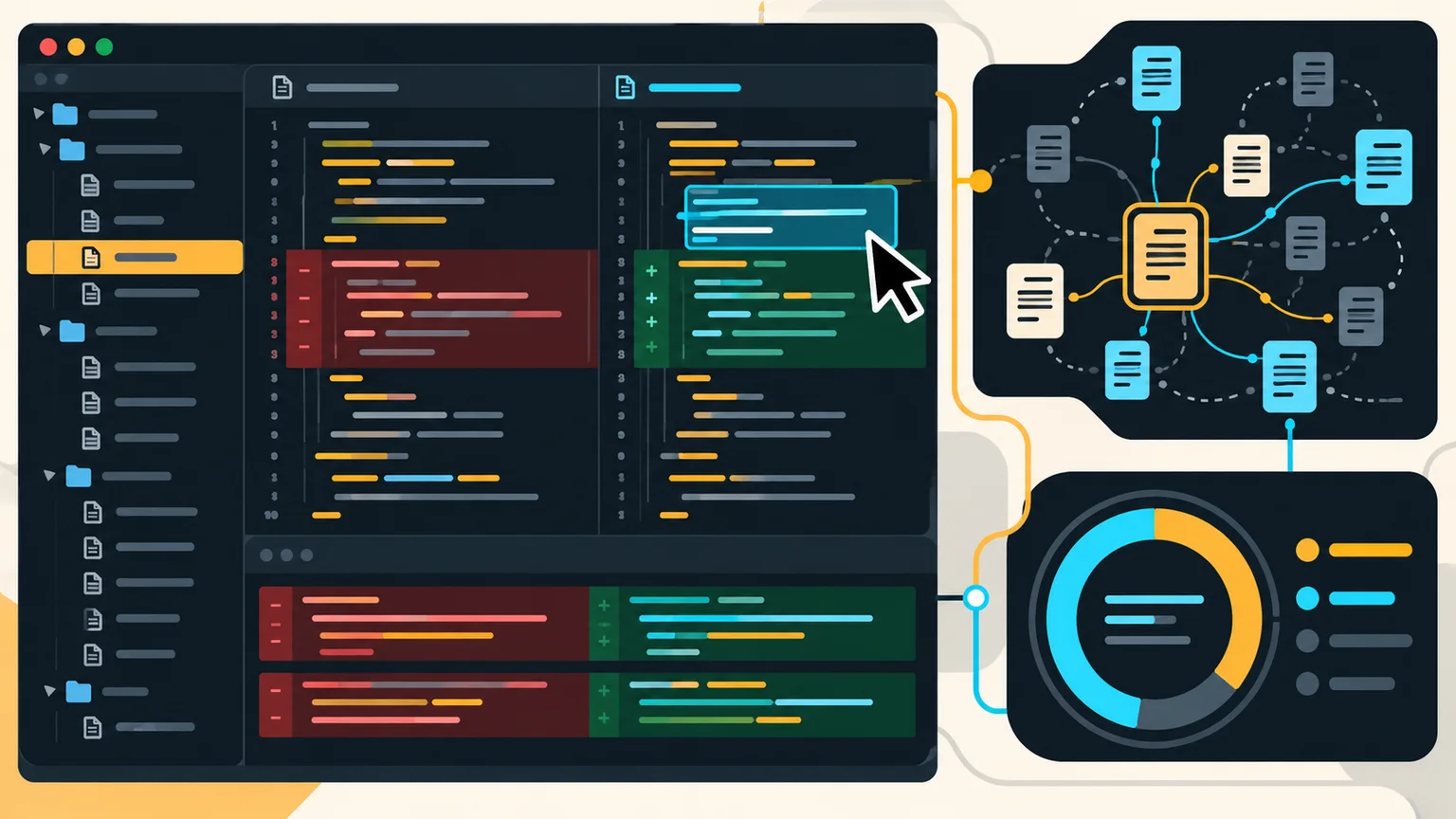
Cursor is an AI-focused code editor and coding-agent platform. It combines repository search, chat, multi-file edits, terminal commands, diff review, cloud agents, rules, and integrations in one workflow. Its cost depends on your plan, the model selected, context size, and whether the model is included or billed at a third-party API rate.
This guide was verified against Cursor's official documentation and pricing pages on October 21, 2026. Cursor changes models and plans frequently, so confirm the linked pages before purchasing.
Cursor pricing and plans
| Plan | Current list price | Usage position | Best for |
|---|
| Free | $0/month | Limited agent and chat use | Testing the editor |
| Plus | $8/month | Base shared usage pool | Light use of Cursor models |
| Premium | $30/month | 4x Plus usage | New and regular agent users |
| Super | $100/month | 15x Plus usage | Daily agent users |
| Ultra | $200/month | 50x Plus usage | Power users and automations |
| Teams | $30, $100, or $200 per seat/month | Matches seat tier | Managed team use |
Cursor's current model-and-pricing documentation says paid plans include a usage pool for Cursor models. Third-party models on eligible plans are billed at their API list price from prepaid credit. Legacy Cursor plans can have different monthly pools, so existing subscribers should check their dashboard rather than assume the current public table applies. See the official models and pricing guide.
How Cursor token usage works
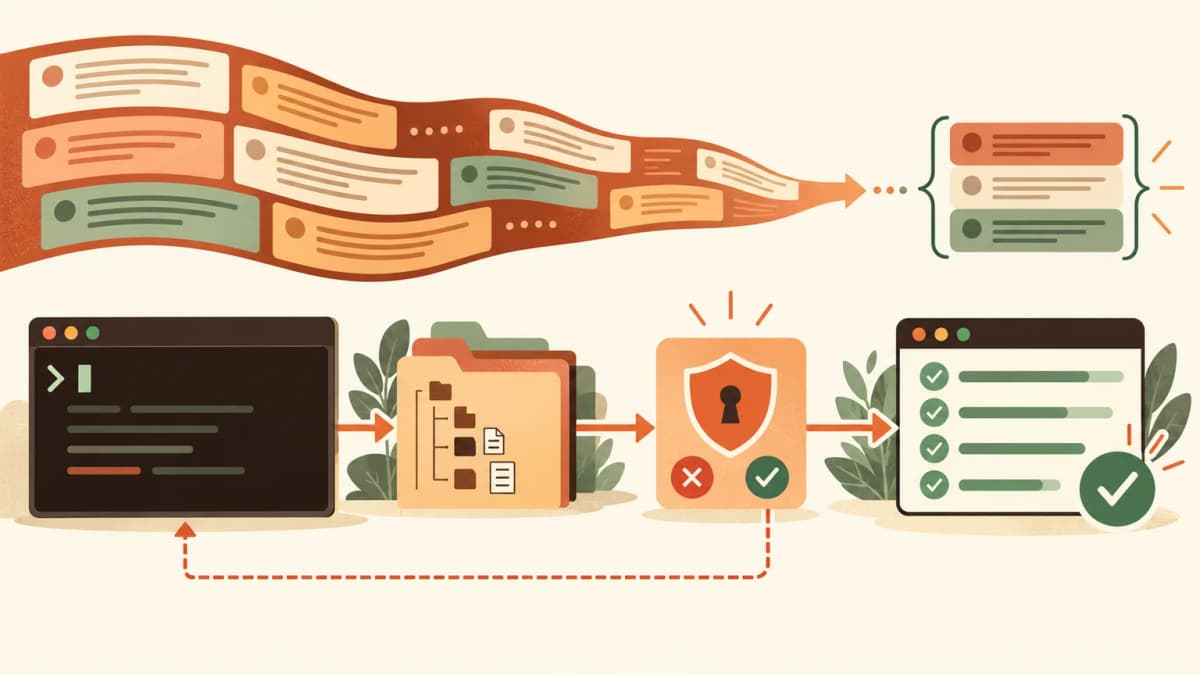
Cursor sends more than the text visible in the prompt. A request may include editor context, repository files, rules, previous messages, tool definitions, command output, and generated code. Cursor describes total tokens as the combined input, output, cache-read, and cache-write tokens processed during tasks.
For third-party models, cost generally follows that provider's token rates. Cursor's own models draw from the plan's included pool under the plan rules. Teams can also incur a Cursor Token Rate for some usage. The dashboard is the authoritative place to view the actual token and cost breakdown because agent steps can create multiple requests.
Context window versus billed tokens
A context window is the maximum amount a model can consider in one request; it is not a prepaid token allowance. Cursor lists default context windows for supported models and larger maximum windows for some models. Max Mode can expose context as large as one million tokens, but a larger window can consume usage faster. Selecting a one-million-token mode does not mean every request automatically uses one million tokens.
Example cost calculation
Suppose a third-party model charges $2 per million input tokens and $10 per million output tokens. A run using 120,000 input tokens and 12,000 output tokens would cost approximately $0.36 before any cache or platform charges: $0.24 for input plus $0.12 for output. Repeat tool calls and growing conversation history can make the final task cost higher.
What Cursor Agent can do
- Search and explain an unfamiliar repository.
- Plan a feature before changing files.
- Edit multiple files and inspect diffs.
- Run terminal commands and respond to failures.
- Use project rules, skills, plugins, and MCP integrations.
- Run cloud agents and automations on supported plans.
- Review pull requests with Bugbot where available.
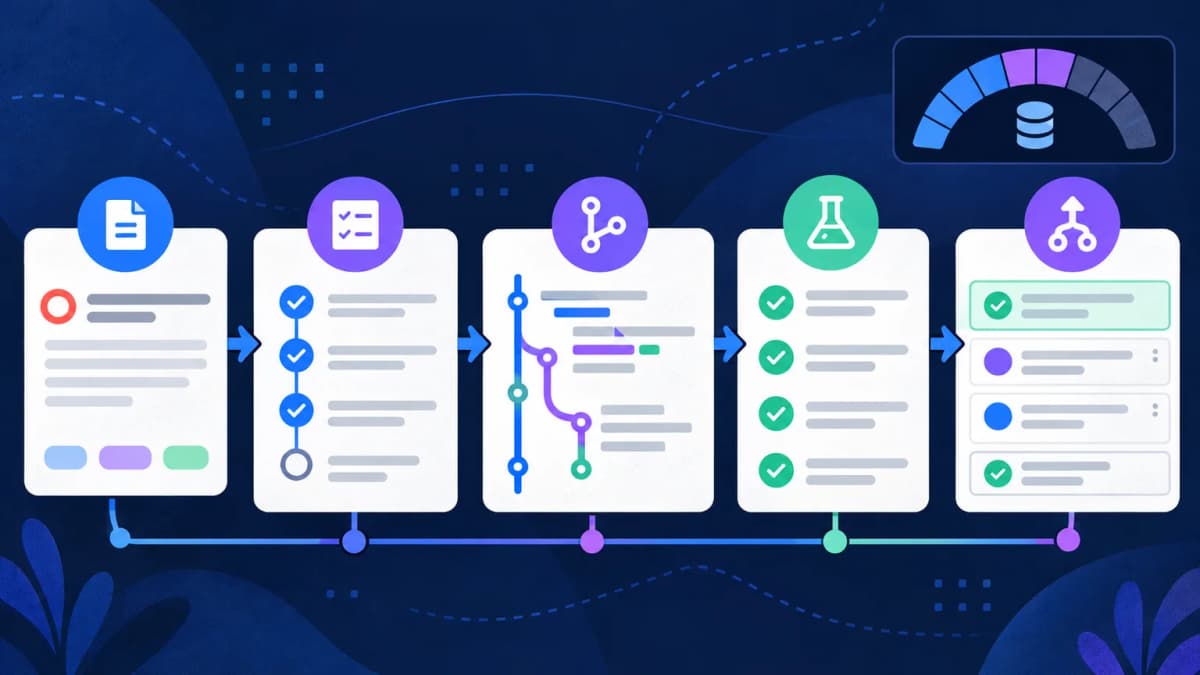
The official Cursor documentation groups these workflows around understanding code, planning, building, debugging, reviewing, customization, and external integrations.
- Open the repository and let indexing complete.
- Add short project rules for architecture, commands, and files that must not change.
- Exclude generated files, secrets, build output, and large irrelevant folders from agent context.
- Ask Plan Mode to identify affected files for broad tasks.
- Use checkpoints or version control before multi-file edits.
- Review the diff and rerun the important command outside the agent conversation.
How to reduce Cursor token usage
- Start a new chat for a new objective so old history is not repeatedly sent.
- Name a file, function, route, or error instead of asking the agent to inspect everything.
- Keep rules concise; long universal instructions become input on many requests.
- Use normal context for routine work and Max Mode only when the task needs it.
- Choose an economical model for formatting, renaming, and simple tests.
- Stop and diagnose when the same test fails repeatedly instead of paying for blind retries.
- Set spending caps and inspect usage in the dashboard.
Privacy and repository safety
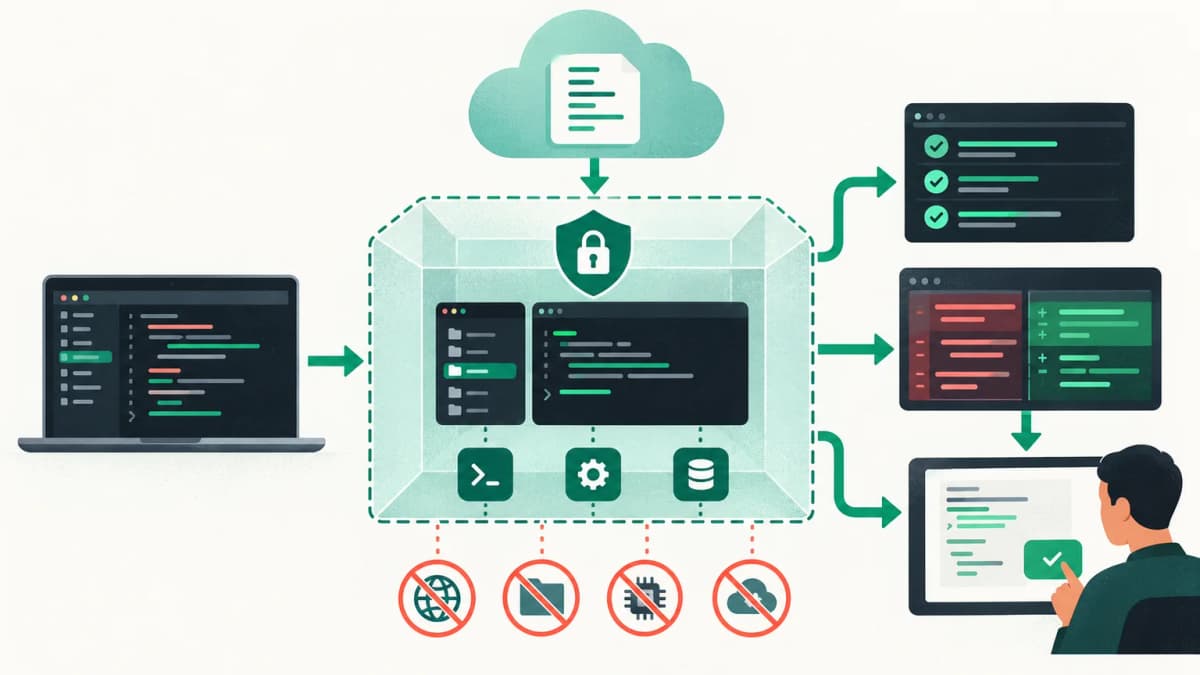
Cursor offers Privacy Mode and organizational controls, but teams still need their own access policy. Do not store production secrets in readable project files. Restrict agent commands, inspect new dependencies, and review network access. For regulated or proprietary code, confirm current retention, model-provider, regional-processing, and training terms with your organization's agreement.