Claude Code is Anthropic's terminal coding agent. It can inspect a repository, explain code, edit files, run commands, resume sessions, use project instructions, and connect to external tools. You can access it through an eligible Claude plan or use an API key with token-based billing.
This guide was checked against Anthropic's official setup, usage, and pricing documentation on October 21, 2026. Model availability and prices change, so verify the linked sources for your account.
Claude Code setup
Anthropic's documentation supports macOS, Linux, and Windows environments, with installation choices changing over time. Follow the current Claude Code setup guide, authenticate, open a terminal in your repository, and start Claude Code. Run its diagnostic command after installation if the client reports an update or environment problem.
- Put the project under version control and start from a clean branch.
- Open the terminal at the repository root.
- Authenticate with an eligible Claude account, Anthropic Console, or supported cloud provider.
- Add a concise project instruction file describing commands and boundaries.
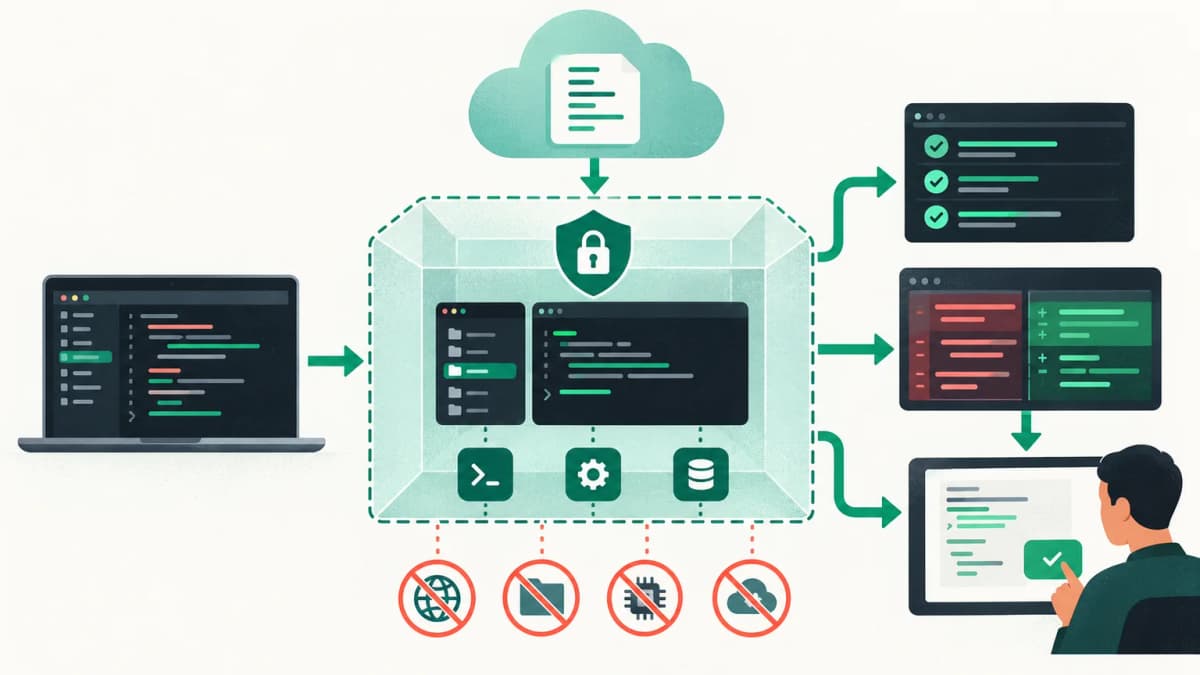
- Begin with a read-only request, then approve a small, reviewable edit.
Claude Code subscription usage versus API token billing
| Sign-in method | How usage is measured | How to inspect it |
|---|
| Eligible Claude plan | Included usage with account-specific rolling limits | Limit message and account usage view |
| Anthropic Console API key | Pay as you go by model tokens and tools | /cost and Console billing |
| Bedrock, Vertex AI, or Microsoft Foundry | Provider billing and quotas | Cloud-provider usage tools |
With API billing there is usually no subscription-style hard stop: the account continues to incur charges within its configured limits. With a plan, usage resets according to the allowance shown for the account. Anthropic recommends /model to check or change the model and /cost to inspect API-backed session cost. See the official models, usage, and limits guide.
What consumes Claude Code tokens?
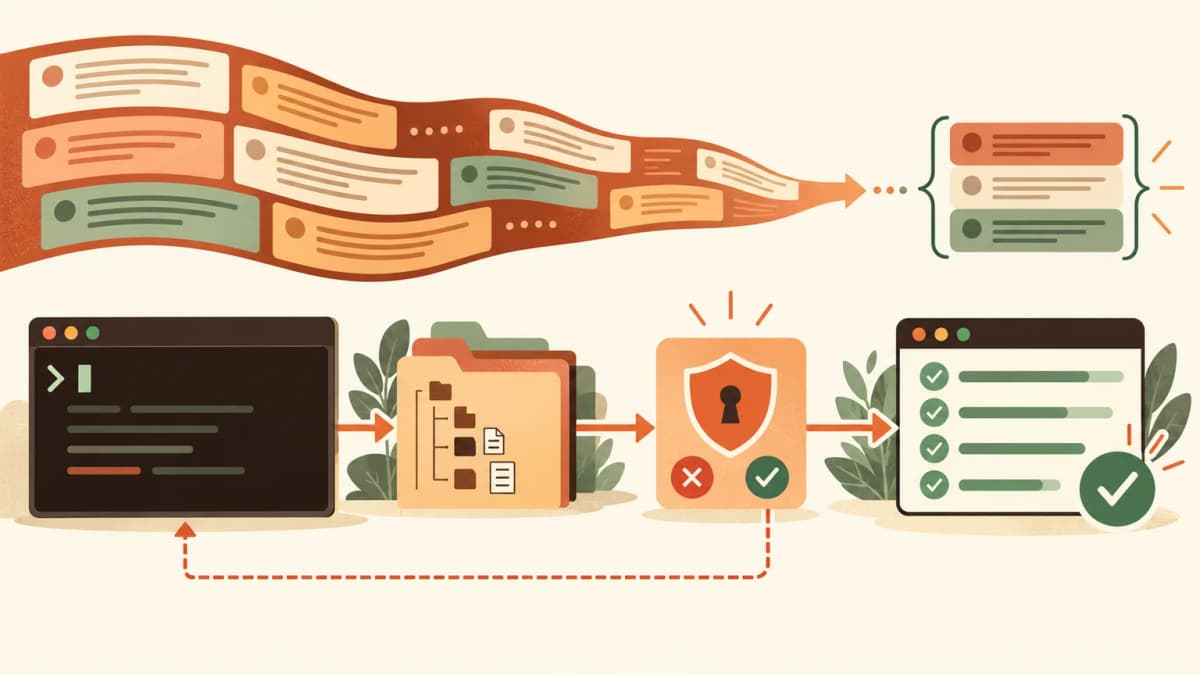
Each turn can include the conversation history, project instructions, files Claude has read, tool definitions, command results, and the new prompt. Output includes explanations, proposed code, tool calls, and responses. Long sessions therefore resend and process more context even when the visible prompt is short.
- Input tokens: prompts, history, source files, tool schemas, and tool results.
- Output tokens: generated explanations, code, reasoning, and tool calls.
- Cache writes: reusable prompt content stored for later requests.
- Cache reads: cached context reused at a lower price where supported.
- Server tools: some hosted tools can add separate usage charges.
Claude API prices relevant to coding
Anthropic publishes prices per million tokens and distinguishes base input, cache writes, cache reads, and output. As of the review date, the official table lists Claude Sonnet 5 at $2 per million input tokens and $10 per million output tokens, Claude Opus 5 at $5 and $25, and Claude Haiku 4.5 at $1 and $5. Exact models available inside Claude Code depend on your account and can differ from the API catalog.
For example, a Sonnet 5 API session processing 200,000 uncached input tokens and generating 20,000 output tokens would cost about $0.60 before tool charges: $0.40 input plus $0.20 output. This is an illustration, not a promise of what a coding task will consume. Read Anthropic's current model pricing table.
Context windows and compaction
The context window limits what a model can consider in a request. It is different from the account's usage allowance. Claude Code can compact older conversation content as a session grows. Use /context to inspect loaded context, /compact to summarize history, and /clear when the next objective does not need the earlier conversation.